Home › My trip My trip All your Bali planning in one place, saved in your browser: a countdown, a day-by-day itinerary you can edit, a day map and saved places.
We couldn't load the place data for your trip. Check your connection and refresh the page. Refresh
The smart Bali planner
One minute of questions and you have a day by day plan You tell us how many days, who is travelling and in what style, and the engine builds a real schedule from 350 places we picked one by one
⏱️ About a minute, and you can change everything afterwards Launch price: $39
Build my trip The first 2 days are free · One payment · No subscription
Peek at a sample day first ↓ 350 places picked one by one
2M+ Google reviews behind them
300 with real opening hours
66 guides around them
Why bother
Planning alone is weeks of work Without the planner
🗂️ Dozens of tabs, groups and videos, and still no idea what fits your days
🔒 You reach a temple on the exact day it is closed, and half a day falls apart
👟 The wrong order sends you back and forth across the city
With the planner
✓ The engine knows what is open on each weekday, and a closed place is simply not scheduled
✓ Every stop is close to the next one, with the distance written next to it
✓ Meals at sane hours, evening places in the evening, morning places in the morning
What it looks like
One real day from a plan the engine built Day 5 · Ubud · from a 7-day plan (Seminyak & Canggu, Ubud)
09:00
☕ Cafe Homa
A cafe among the rice fields away from the Tegallalang crowds, a quiet p…
10:30
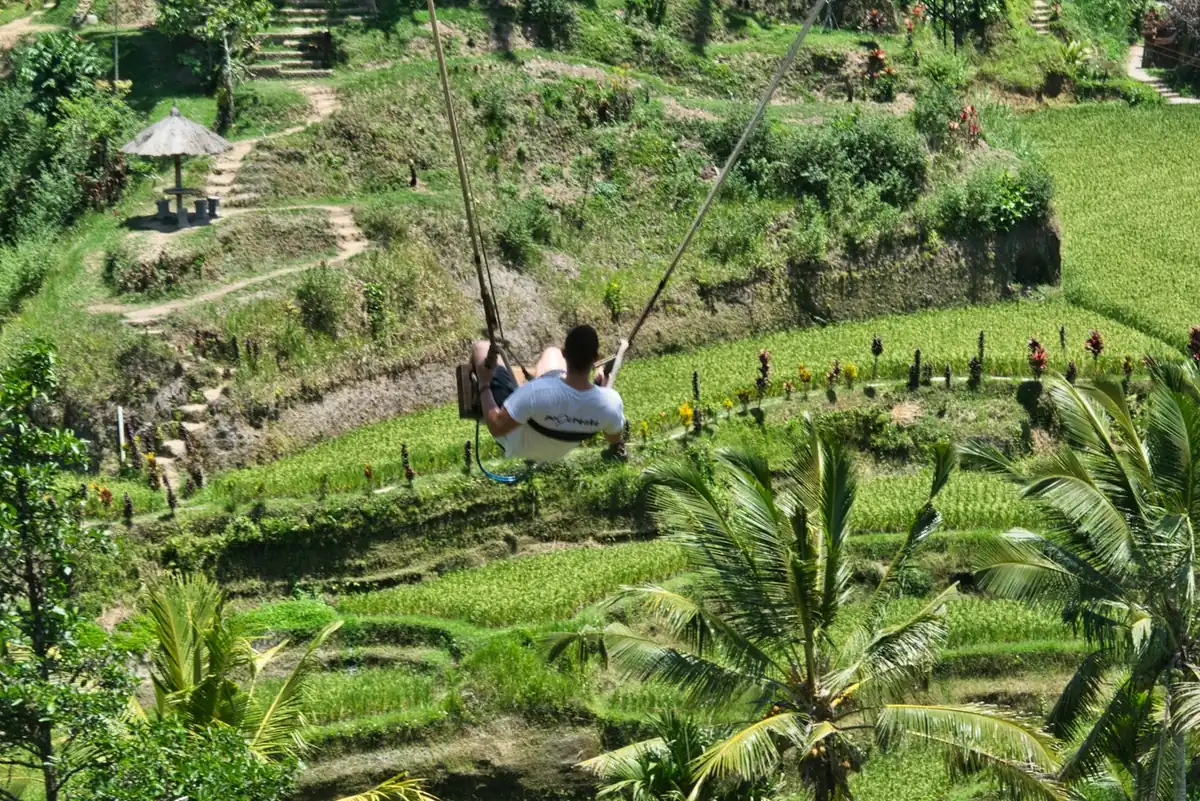
✨ Aloha Ubud Swing
A spectacular swing park above the Tegallalang terraces, five swings at …
🚶 0.7 km from the previous stop
13:00
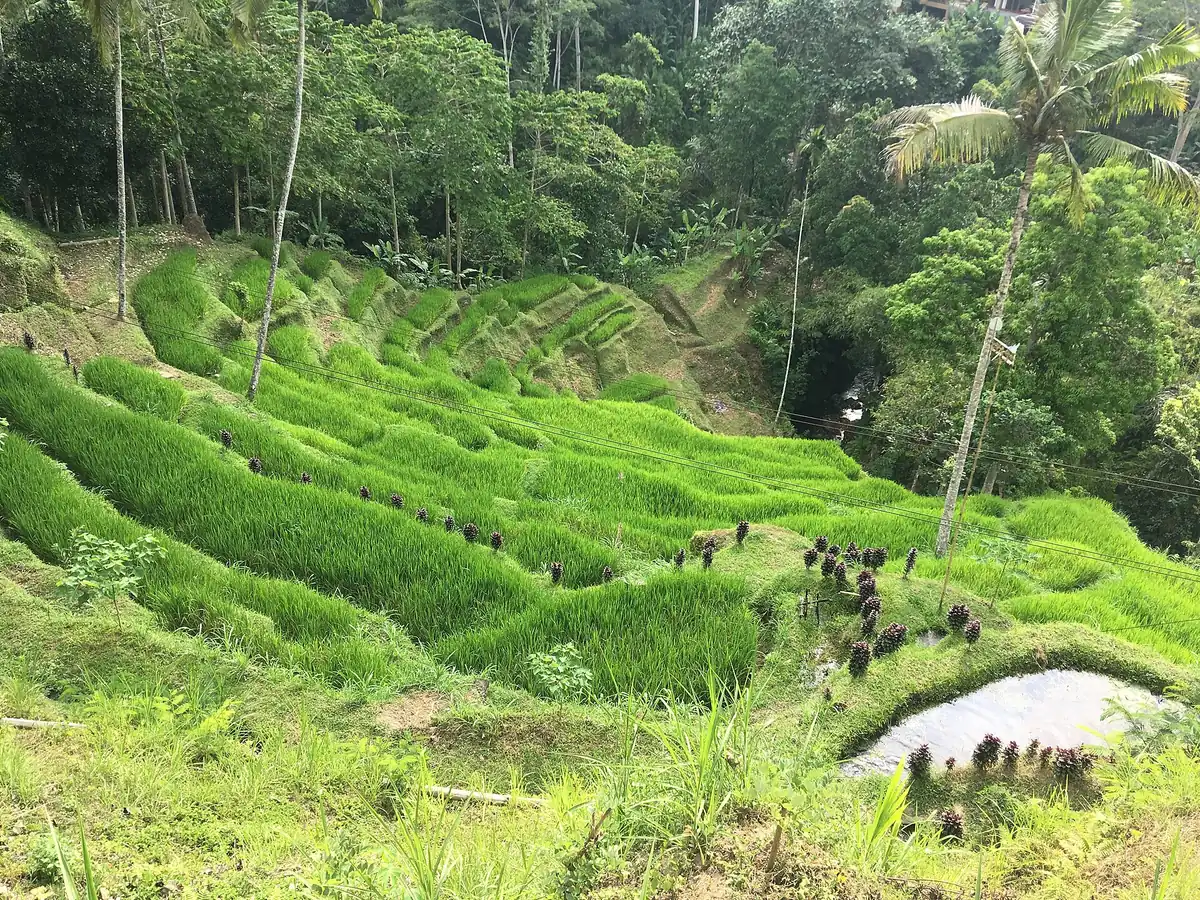
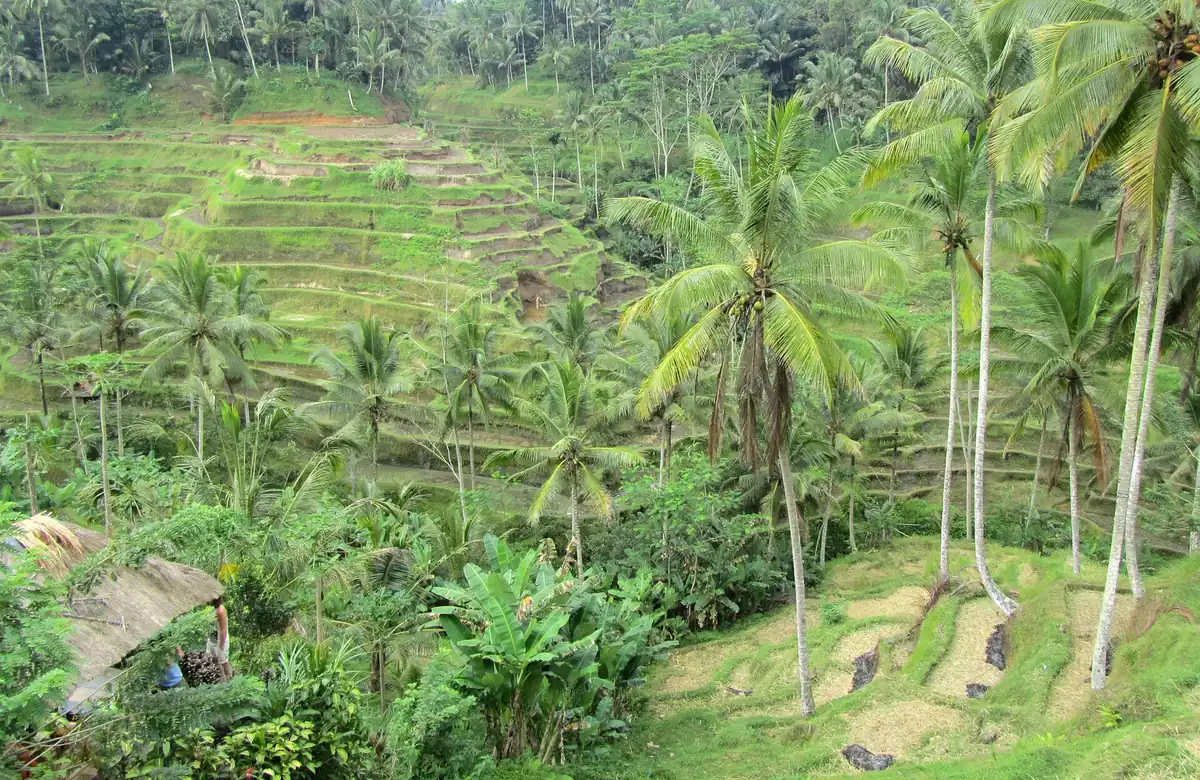
🌿 Tegallalang Rice Terraces
Stunning green rice terraces on an ancient irrigation system, especially…
🚶 4.5 km from the previous stop
15:30
🍜 Tis Cafe
A highly rated restaurant in Tegallalang
🚶 0.2 km from the previous stop
17:30
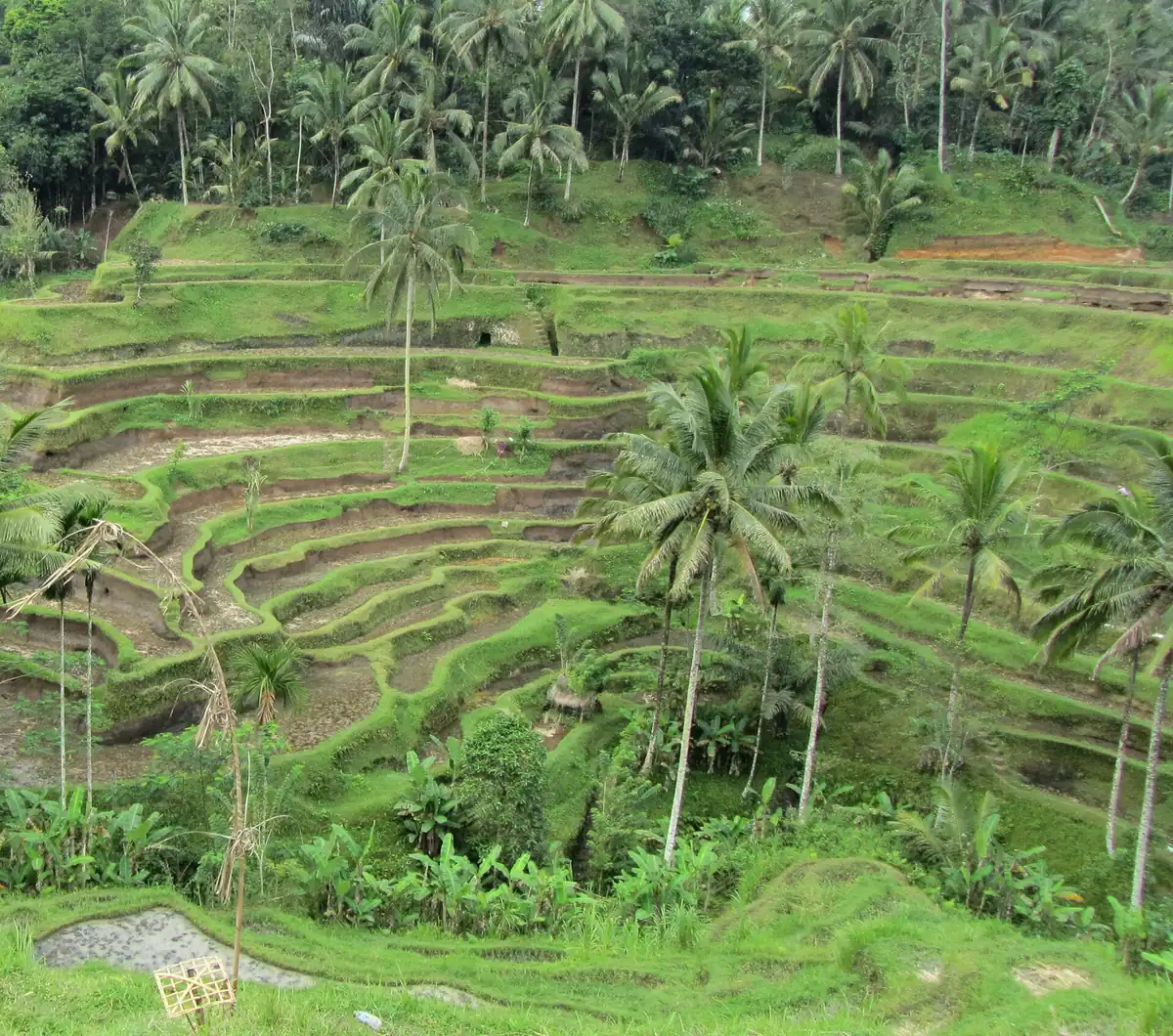
🌆 Pengempu Rice Field Viewpoint
A quiet viewing terrace over green rice terraces, less crowded than the …
🚶 0.2 km from the previous stop
19:00
🍜 Taman Dedari
An Indonesian restaurant in Ubud
🚶 7.9 km from the previous stop
Every place, hour, photo and distance here comes from our database, not a mockup. Your plan is built around the days, style and pace you pick.
What it knows
A planner that knows the ground not a pretty list 🕘
Knows what is closed on your day
Real opening hours for 300 places, from Google. A temple closed on Tuesday will not land on Tuesday
🚶
Orders the day by walking distance
No crossing the city and back. Each stop shows how far it is from the previous one
✏️
Yours to edit, not a locked list
Drag, remove, move to another day, pin an hour. What you added yourself is never replaced
🗾
Every day on its own map
The day map shows the stops in order, and every place opens in Google Maps
🌦️ Weather per day 🗺️ Export to Google Maps by day 🔗 Share with one link ✈️ Countdown to takeoff 🧳 Pre-flight checklist
And why not just ask a chatbot
Because a good plan is facts, not nice phrasing ✓ Every place here was picked one by one and checked before it went in, with a real rating and review count, not a name that sounds right
✓ Opening hours come from Google and keep updating, so the advice holds for a Tuesday in November too
✓ Behind the map stand our 66 guides, and stops link to the guide that covers them
How it works
Three steps about a minute 1 A minute of questions Days, style, budget and who is flying
2 The plan is built in seconds Day by day, with hours, distances and a map
3 Edit and go Saved in this browser and always waiting here
Your trip starts with one minute of questions One purchase opens every day of the plan, with no subscription and nothing renewing
Launch price: $39
Build my trip The first 2 days are free · One payment · No subscription
What is that in dollars? Today's rate
Rp 1,000 5,000 10,000 50,000
In dollars
An estimate only. Your bank or card may add a conversion fee.
Keep this trip on your phone
Add it to your home screen and your saved trip opens without internet, which is exactly what you need once you land.
Add to home screen Not now
On iPhone: tap the Share button below, then choose "Add to Home Screen".
Common questions Where is my itinerary saved? The itinerary is saved in this device's browser only (localStorage), with no sign-up and no account. To reach it from another device, copy the share link or email the itinerary to yourself.
How do I build an itinerary? Answer a few questions in the trip planner and hit "Save to my trip". You can also add places from the map and the guides by tapping "Add to trip", and they will wait here for you to slot into the right day.
Can I edit the itinerary? Absolutely. For each day you can remove stops, add new places from the area, and move a stop to another day. Every change saves automatically, and you can always undo the last action.